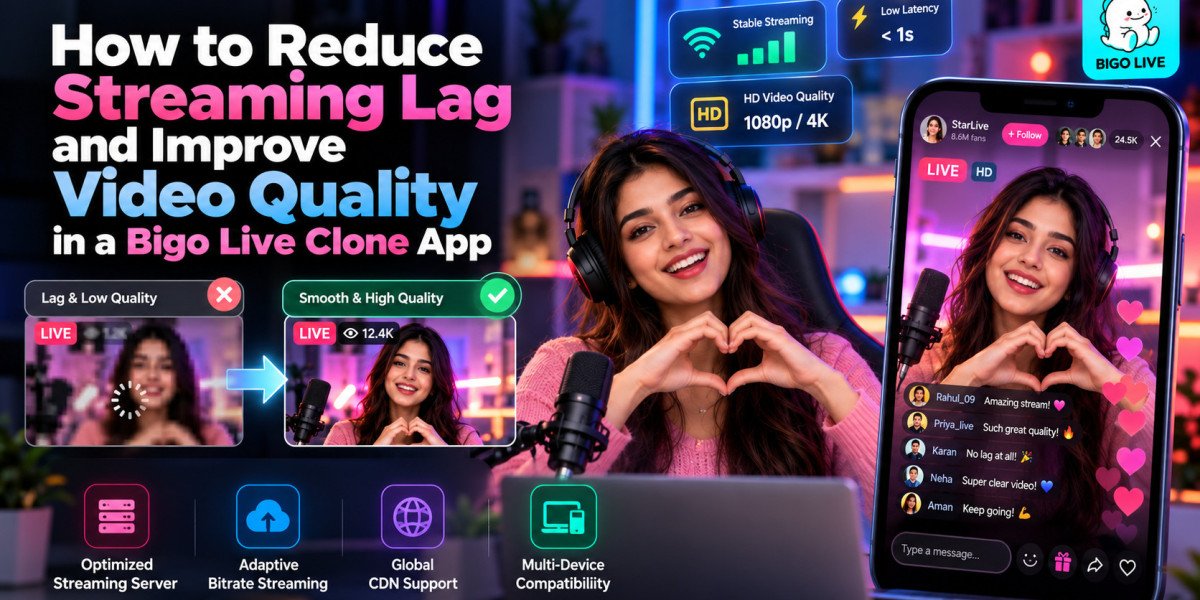

Live streaming applications have transformed digital entertainment by enabling creators to connect with audiences through real-time video, interactive conversations, and virtual events. However, delivering a smooth streaming experience remains one of the biggest technical challenges for platform operators.
Viewers expect videos to load quickly, audio to remain synchronized, and broadcasts to continue without interruptions. Even minor delays can affect audience participation, especially during interactive competitions and live conversations.
A Bigo Live clone app provides a foundation for developing interactive streaming platforms, but performance optimization is essential for maintaining reliable broadcasts.
This guide explains how businesses can reduce streaming latency, improve video quality, optimize infrastructure, and create better viewing experiences.
Why Streaming Performance Matters for Live Streaming Apps
Streaming performance directly influences user satisfaction and platform engagement.
Unlike prerecorded video, live broadcasts require continuous communication between content creators and viewers.
When streaming quality decreases, users may experience buffering, frozen screens, delayed messages, or audio interruptions.
These problems can disrupt conversations and reduce audience participation.
For creators, unreliable streaming may affect their ability to deliver entertaining broadcasts and maintain viewer attention.
For businesses, poor performance can increase support requests and operating costs.
Therefore, optimizing streaming quality should be a priority during development, testing, and ongoing platform maintenance.
Understanding Streaming Latency in a Bigo Live Clone
Streaming latency refers to the delay between capturing video at the broadcaster's device and displaying it on the viewer's screen.
For example, when a creator speaks during a live session, viewers may hear the message several seconds later.
This delay becomes particularly noticeable during interactive activities.
Live chat, audience questions, virtual gifting, and competitive events depend on timely communication.
Excessive latency can make conversations feel disconnected.
Low-latency streaming technologies help reduce these delays by improving how media travels between broadcasting devices and viewers.
However, actual performance depends on network conditions, infrastructure, device capabilities, and the selected streaming technology.
Choose the Right Real-Time Streaming Technology
Technology selection plays a major role in streaming performance.
Traditional video delivery methods may introduce noticeable delays because they prioritize scalability and playback stability.
Interactive streaming applications often require solutions optimized for real-time communication.
WebRTC-based technologies, for example, can support low-latency audio and video communication.
Specialized streaming providers may also offer managed infrastructure for delivering real-time broadcasts across different regions.
When evaluating streaming technologies, businesses should consider latency, scalability, device compatibility, network resilience, and operating costs.
The selected solution should support the application's expected audience size and interaction requirements.
Performance testing is essential because technical specifications alone cannot guarantee consistent results.
Optimize Video Resolution and Bitrate
Higher video resolution does not automatically create a better viewing experience.
A high-resolution broadcast may perform poorly when viewers have limited internet connectivity.
Video bitrate determines how much data is transmitted during streaming.
Higher bitrates can improve visual quality but also increase bandwidth requirements.
Developers should balance resolution, frame rate, and bitrate according to expected network conditions.
For example, a stable lower-resolution stream may provide a better experience than a high-resolution video that constantly buffers.
Testing multiple configurations helps identify suitable settings for different devices and connection speeds.
Implement Adaptive Video Quality
Adaptive video quality allows streaming applications to adjust playback settings according to available network conditions.
When a viewer experiences reduced bandwidth, the application can switch to a lower-quality video stream where the streaming technology supports it.
When connectivity improves, the application may increase quality again.
This approach can reduce buffering and improve playback continuity.
However, adaptive streaming requires suitable encoder settings, media infrastructure, and client-side support.
Platform operators should test quality transitions to ensure they do not create unnecessary interruptions.
The objective is to maintain consistent playback rather than maximize resolution under every condition.
Improve Streaming Performance Across Different Networks
Live streaming applications must support users connecting through Wi-Fi, mobile networks, and varying internet conditions.
Network instability may result in dropped frames, buffering, or disconnected sessions.
Developers should implement connection monitoring and suitable recovery mechanisms.
Automatic reconnection can help users resume broadcasts after temporary interruptions.
Applications may also display network-quality indicators that inform broadcasters about connectivity problems.
Testing should include low-bandwidth conditions, unstable mobile connections, and network switching.
Understanding real-world network behavior helps teams create more resilient streaming experiences.
Reduce Audio and Video Synchronization Problems
Audio-video synchronization is essential for natural live communication.
When audio arrives before or after the corresponding video, conversations become difficult to follow.
Synchronization problems may result from encoding delays, network instability, or playback processing.
Developers should select media technologies that support appropriate timestamp handling and synchronization mechanisms.
Testing should include multiple speakers, different devices, and varying network conditions.
Interactive sessions require particular attention because participants may experience different connection speeds.
Reliable synchronization improves communication and helps audiences remain engaged during broadcasts.
Optimize Multi-Guest Live Streaming Rooms
Multi-guest streaming creates additional technical complexity because several participants transmit media simultaneously.
Each additional video stream may increase processing, bandwidth, and rendering requirements.
Developers should evaluate how many participants can join a room without negatively affecting performance.
Efficient media routing can reduce unnecessary transmission costs.
Applications may also prioritize active speakers or limit video quality for participants displayed in smaller windows.
Room management controls should allow hosts to manage microphones, cameras, and participant permissions.
These optimizations help maintain smooth collaborative broadcasts.
Build Scalable Streaming Infrastructure
As a live streaming application grows, infrastructure must handle increasing numbers of broadcasters and viewers.
A scalable architecture separates media delivery from application functions such as authentication, notifications, chat, and payments.
Managed media services can handle video transmission while application servers process other operations.
Caching technologies may improve the performance of frequently accessed information.
Load balancing and capacity planning help distribute application workloads.
However, scaling requires more than adding servers.
Businesses should test database performance, real-time messaging systems, and third-party service limits before expanding traffic.
Synchronize Live Chat and Virtual Gifting
Interactive features are essential components of a Bigo Live-style platform.
However, live chat and gifting events must remain responsive during broadcasts.
Delayed messages can disrupt conversations, while inconsistent gift updates may create financial confusion.
Real-time messaging technologies such as WebSockets can support continuous communication between clients and servers.
Gift transactions should be recorded reliably and protected against duplicate processing.
Developers should also account for temporary disconnections and event delivery failures.
Reliable synchronization ensures that interactive features complement streaming experiences rather than interrupt them.
Choosing a Bigo Live Clone with Low-Latency Architecture
Businesses planning a streaming platform should evaluate the technology and performance capabilities of their development solution.
The Miracuves describes an architecture using Agora for low-latency audio and video, Socket.IO for real-time interactions, and Redis for caching and presence management.
Its published documentation also describes multiple streaming room formats, gift transaction handling, and web and mobile functionality. The vendor identifies automated testing, observability, and certain scaling components as additional pre-launch work rather than completed capabilities.
Before deployment, businesses should test actual streaming performance, concurrent user capacity, recovery behavior, and infrastructure costs.
A reliable development foundation supports better long-term performance when combined with proper testing and maintenance.
Monitor Streaming Quality After Launch
Performance optimization should continue after the application becomes available to users.
Platform operators need monitoring systems to identify problems before they affect large audiences.
Important metrics include:
Average streaming latency
Video buffering frequency
Dropped frames
Connection failure rates
Audio-video synchronization errors
Broadcast startup time
Successful reconnection rates
Monitoring these indicators helps developers locate technical problems and prioritize improvements.
User feedback also provides valuable information about issues affecting particular devices or locations.
Regular performance reviews contribute to more reliable streaming experiences.
Conclusion
Reducing streaming lag and improving video quality are essential for delivering successful real-time entertainment experiences.
A reliable Bigo Live clone app requires suitable streaming technology, optimized video settings, effective network recovery, scalable infrastructure, and synchronized interactive features.
Businesses should focus on stable performance across different devices and network conditions rather than prioritizing video resolution alone.
Continuous monitoring, realistic load testing, and infrastructure improvements help maintain service quality as audiences grow.
By investing in dependable streaming architecture and consistent performance optimization, platform owners can create more enjoyable broadcasts and support sustainable audience engagement.