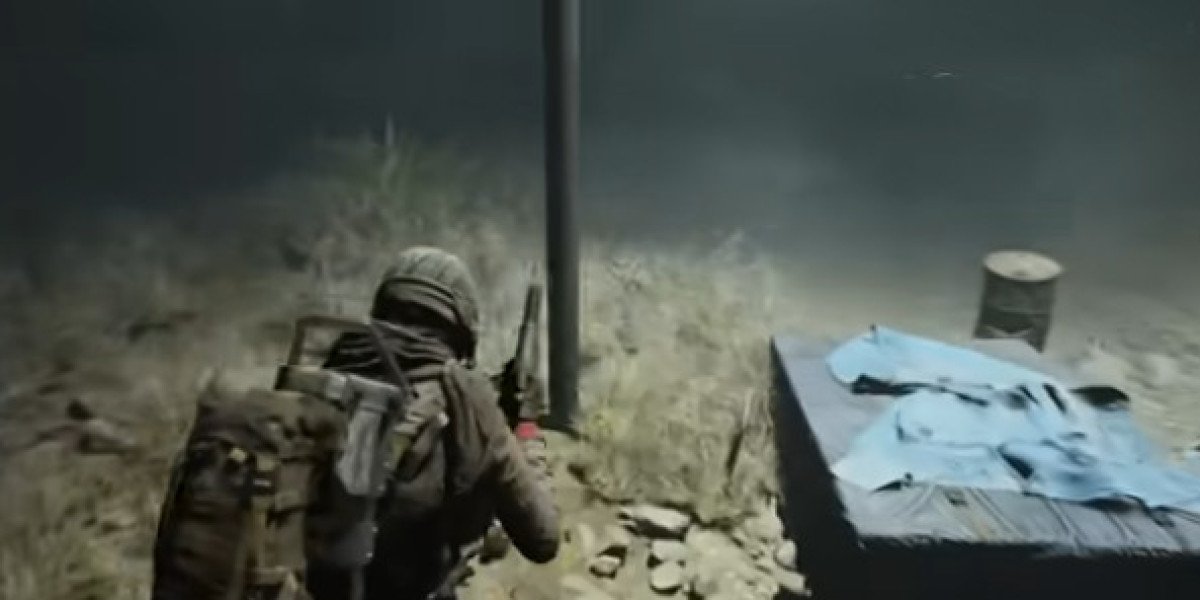

You can get a camera in Arc Raiders by purchasing one from Shani, crafting one at the basic workbench with 8 Plastic Parts and 1 Wire, or accepting a quest that supplies one, such as Sizing Things Up. Sheltered Retreat needs that camera for its opening farmhouse photo objective, so include it when checking your ARC Raiders Items before heading to The Blue Gate. Getting the equipment sorted at base saves you a trip to the Ruined Homestead with nothing to take the picture.
Where can you get a camera in Arc Raiders
Shani offers the direct purchase route, while the basic workbench lets you turn 8 Plastic Parts and 1 Wire into a Basic Camera. Check your stash before spending currency: having the full recipe means you can prepare the gadget without another supply run. Choose whichever option fits what you've already collected.
Sizing Things Up gives you another route because Celeste supplies a camera when you accept the quest. Check your inventory after accepting it before purchasing or crafting another. That quest has its own photography objective on Pendola Pass, but receiving the equipment also gives you a camera to bring on your farmhouse visit.
Your preparation should finish with an inventory check, not just a completed purchase or crafting action. Confirm that the camera is in the loadout you're taking into the raid. A free loadout doesn't supply the equipment needed for this photo task, so arriving at the correct building alone won't complete it.
How do you equip and use the camera in Arc Raiders
Move the camera into a Quick Use slot, select it from the gadget wheel, and use the right mouse button to aim on PC. The left mouse button takes the picture. Keeping it in your backpack without selecting it leaves you one step short of actually photographing the objective.
Keep the camera in your safe pocket during the approach, then move it into Quick Use when you're ready to shoot. The Ruined Homestead can have larger ARC enemies nearby, including a Leaper, Bastion, or Bombardier. Check the surroundings before opening the camera view and choose a position that gives you a clear shot at the house.
For a focused photo run, decide where you'll stand before equipping the gadget. You want the farmhouse in view and a clear idea of where you'll move afterward. Take the picture, check the objective, then return your attention to the area around you.
Where should you take the Sheltered Retreat farmhouse photo
Head to the Ruined Homestead in southern The Blue Gate, southeast of Olive Grove and northwest of Ancient Fort. Zoom into the map around Olive Grove to find the smaller location label. Your target is one of the farmland houses, so continue toward the buildings after reaching the grove.
Sheltered Retreat becomes accessible at Level 18 through the Outpost tab outside a raid. Its opening stage, Research Topside Living Conditions, asks for a farmland-house photo around the homestead. Check that requirement at base so you know exactly what you're bringing the camera to photograph.
Frame one of the main farmhouses and take the shot, then check whether the objective updates. The damaged house with a large hole is a confirmed target to try when another building's picture doesn't register. Once the photo counts, extract and return to the project interface at base to complete the stage.
Check your stash, secure a camera, and plan your farmhouse visit before deploying. For any remaining equipment or materials you choose to purchase, buy ARC Raiders Loot as part of that preparation, keeping your next run focused on taking the picture and getting home.


Popular Posts
-
 See What Fireplace Deals Tricks The Celebs Are Making Use Of
-
 القوة الخفية للمكونات الطبيعية في العناية بالبشرة: دراسة علمية لأهم المستخلصات الطبيعية
-
 Anavar Results After 2 Weeks: What You Want To Anticipate
-
 Transforming Businesses Through Award-Winning Business and Technology Consulting
-
dragon money





