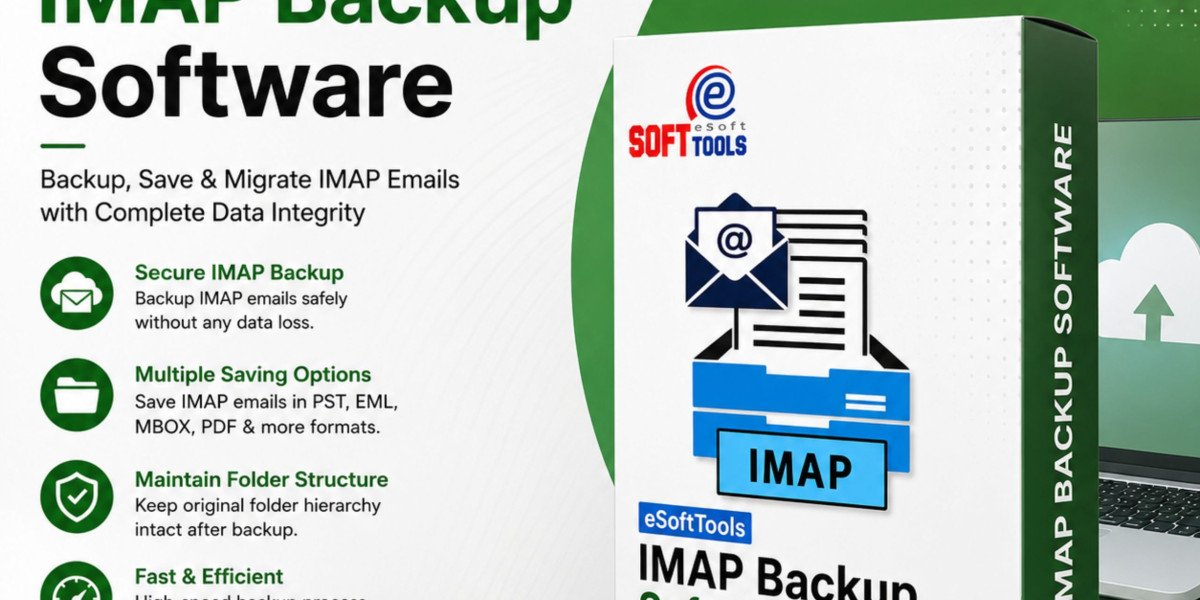

This is where eSoftTools Software becomes a reliable solution. It helps small businesses securely back up IMAP email accounts, migrate mailbox data, and store important emails locally for future use. Whether you run a startup, retail business, consultancy, or online store, having a dependable email backup strategy is essential.
Why Small Businesses Need Email Backup
Many business owners believe that cloud email services automatically protect all their data. However, emails can still be lost because of:
Accidental deletion
Employee mistakes
Malware or ransomware attacks
Email account hacking
Server synchronization issues
System crashes
Mailbox corruption
Without a backup, recovering deleted emails can be difficult or impossible. Regular email backups ensure that critical business information remains safe.
What Makes eSoftTools IMAP Backup Software a Good Choice?
Small businesses need software that is simple, secure, and affordable. eSoftTools Software offers all these benefits in one solution. It is designed to back up IMAP-based email accounts while maintaining the original folder structure and email properties.
The software supports multiple IMAP email services, making it suitable for businesses using Gmail, Outlook, Yahoo Mail, Zoho Mail, Office 365, and many other providers.
Key Features for Small Businesses
1. Complete Email Backup
The software downloads complete mailbox data, including:
Emails
Attachments
Contacts (where supported)
Folder hierarchy
Metadata
This helps businesses create a secure local archive of important communications.
2. Multiple Export Formats
Businesses often require different file formats for email storage. The software supports exporting emails into:
PST
MBOX
EML
MSG
PDF
HTML
This flexibility makes it easier to access emails using different email clients.
3. Easy IMAP downloader
An efficient IMAP downloader allows businesses to save emails directly from IMAP-enabled accounts to their local systems. This provides offline access and protects important emails even if the online account becomes unavailable.
4. Selective Backup Options
Users can back up:
Specific folders
Emails within a selected date range
Required mailbox items only
This saves storage space and reduces backup time.
5. Secure Email Migration
When changing email providers, businesses can migrate emails between IMAP accounts without losing folder structure or attachments.
Benefits for Small Business Owners
Using a professional email backup solution offers several advantages:
Prevents permanent email loss
Improves business continuity
Supports long-term email archiving
Simplifies email migration
Enables offline email access
Reduces dependency on cloud storage
Protects valuable customer communication
These benefits help businesses stay organized while minimizing operational risks.
Best Practices for Email Security
To maximize email protection, businesses should:
Schedule regular backups.
Use strong passwords.
Enable two-factor authentication.
Update antivirus software regularly.
Store backup files in multiple locations.
Test backup files periodically.
Following these practices significantly reduces the risk of data loss.
Conclusion
Emails contain valuable business information that should always be protected. Small businesses often have limited IT resources, making reliable backup software even more important. eSoftTools Software provides an easy-to-use solution for backing up, exporting, and migrating IMAP email accounts while maintaining complete mailbox integrity. Its multiple export formats, selective backup options, and efficient IMAP downloader capabilities make it a practical choice for businesses looking to secure their email data and ensure uninterrupted operations.
Frequently Asked Questions (FAQs)
1. Why do small businesses need IMAP email backup?
Email backups protect important business communications from accidental deletion, hacking, server failures, and hardware issues. They also help with long-term record keeping and disaster recovery.
2. Which email services are supported?
The software supports most IMAP-enabled email providers, including Gmail, Outlook, Yahoo Mail, Office 365, Zoho Mail, AOL Mail, and many others.
3. Can I export emails into different file formats?
Yes. The software allows users to save emails in PST, MBOX, EML, MSG, PDF, HTML, and other commonly used formats.
4. Does the software preserve folder hierarchy?
Yes. It maintains the original folder structure, email formatting, attachments, metadata, and timestamps during the backup process.
5. Is this software suitable for beginners?
Yes. The software features a simple and user-friendly interface, making it suitable for both non-technical users and IT professionals managing business email backups.